Skip to content
Navo24Navo24
Tools and data for member services

Industry associations.

Forwarder, shipper and trade associations look for practical tools that save their members time and money. Navo24 offers tracking, schedules, rates and reference data that an association can bring to its members.

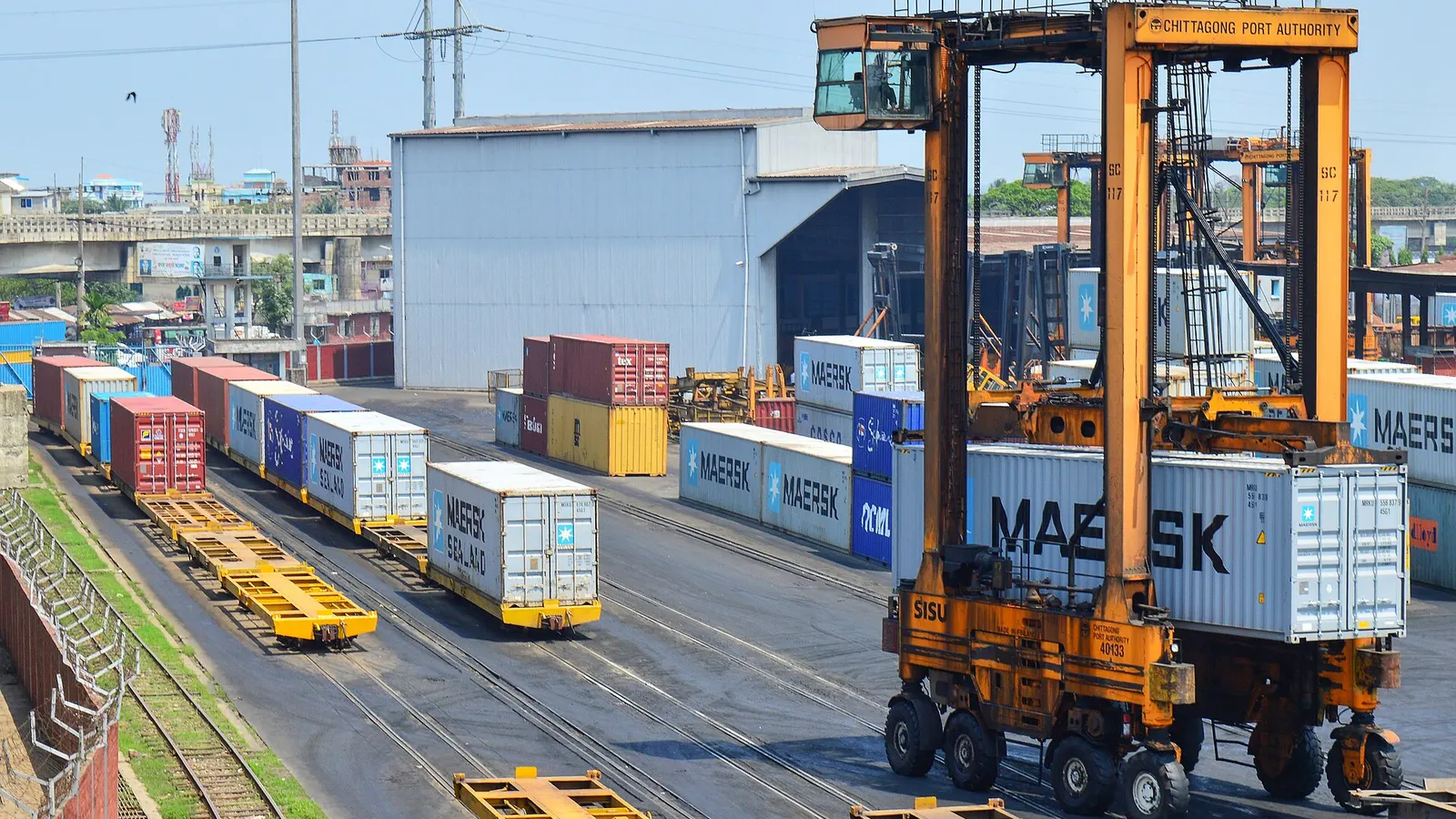
Straddle carrier work at Port of Chittagong.

Overview

Association members move freight in every mode. Forwarders consolidate LCL into 20ft and 40ft containers (roughly 33 m³ and 67 m³ internal volume), book 13.6 m trailers that take 33 Euro pallets on one layer, and tender air freight on ULDs such as the LD3 and PMC. Shippers run FCL on lanes like Shanghai to Rotterdam, with reefers held at set points such as minus 18 °C for frozen goods. An association sees all of it at once: many small firms, many carriers, many lanes, and one common question about where the cargo is.

Things go wrong in the gaps between systems. Each carrier names its statuses differently, ETAs are often typed by hand, free-time clocks run unseen, and VGM or documentation cut-offs pass before a small member has checked a sailing. Shared tracking, schedule and reference data closes those gaps, and gives your training material one set of facts to point to instead of dozens of interpretations.


What goes wrong today

01

Members want visibility you cannot build

A tracking platform that covers hundreds of carriers means maintaining integrations, event mapping and ETA models, which is far outside an association's remit. Members then buy separate tools, and the association loses the common reference point.

02

Small firms priced out of tracking

Enterprise visibility contracts assume volumes that a ten-person forwarder or an SME exporter does not have. Without tracking, they find out about a rolled booking or a running demurrage clock from the customer or the invoice.

03

Inconsistent status language across carriers

Gate-in, loaded, discharged and available can mean different things between lines and terminals, so two tools show two statuses for the same box. Members then argue about facts rather than act on them, and guidance notes become hard to write.

04

Training built on scattered references

Courses on Incoterms 2020, IMDG classes, container types and surcharges often rely on out-of-date slides or mixed sources. Trainers need one checked set of dimensions, codes and definitions that members can open on the job.

What Navo24 gives you

Navo widgets

Put tracking and schedules on your site

Navo widgets embed container tracking, sailing schedules and rate lookups into your member portal with one line of code. Members get working tools under your branding without the association building or hosting anything.

  • One line of code per tool
  • Fits member portals and newsletters
  • No integration project for your team
Open Navo widgets
TrackingMCP

Container tracking for members of any size

TrackingMCP follows containers across 240+ carriers using a bill of lading, booking or container number. Predicted ETAs and free-time and demurrage alerts help a small member act before a clock runs out, not after the invoice arrives.

  • 240+ carriers on one timeline
  • Free-time and demurrage alerts
  • API and webhooks for larger members
Open TrackingMCP
SchedulesMCP

Sailings and carrier reliability for guidance

SchedulesMCP covers 72,000+ sailings with cut-offs, transshipment points and carrier on-time reliability. Associations can use it in member briefings on blank sailings, port omissions and which services still show up on time.

  • Vessel and port cut-offs listed
  • Transshipment points visible
  • On-time reliability by carrier
Open SchedulesMCP
FreightRatesMCP

Indicative FCL rates for member benchmarking

FreightRatesMCP gives indicative ocean FCL lane rates and rate history. Members can sanity-check a quote against the lane, and associations can explain seasonal moves around Chinese New Year and peak season with data.

  • Indicative FCL lane rates
  • Rate history by lane
  • Context for quote checks
Open FreightRatesMCP

How it works with Navo24

  1. Choose what members need first

    Survey members on their main pain, whether that is container tracking, sailing schedules or rate benchmarks, and start with that one tool.

  2. Embed or link the tools

    Add Navo widgets to the member portal or share direct links, so members use them without an account or integration.

  3. Members track bookings to delivery

    Members follow each container from booking through gate-in, sailing, discharge and release, with alerts before free time ends.

  4. Feed lessons into training

    Use the common timeline and the reference pages in workshops, member bulletins and guidance on VGM, Incoterms and dangerous goods.

Rules and standards that apply

SOLAS Chapter VI, Regulation 2 (VGM)

Since 1 July 2016 a packed export container needs a verified gross mass, by weighing the packed box or summing cargo, packing and tare, before it is loaded.

Incoterms 2020

The 11 rules decide where risk passes and who books carriage, clears customs and pays terminal charges, which is the base of most member training.

IMDG Code

Dangerous goods by sea must follow the nine IMO classes, packing groups, marking and documentation, and amendments arrive on a regular cycle.

DCSA track and trace event standard

A common set of container event types makes statuses comparable across carriers and tools, which helps when members compare tracking results.

ISO 6346 container identification

The owner code, category letter, serial number and check digit let members verify a container number before they search or file.

Questions

How can an industry association offer container tracking to members?

The simplest route is to embed a tracking widget in the member portal or website, so members enter a container, booking or bill of lading number and see the timeline. Larger members can use the API or webhooks for their own systems.

Does Navo24 handle members' cargo or act as a forwarder?

No. Navo24 is a data and software platform. It does not move, store, insure or handle cargo, and it does not compete with the freight forwarders in your membership.

What does VGM require for exports by sea?

Under SOLAS Chapter VI Regulation 2, the shipper must provide a verified gross mass for each packed container before loading. Method 1 weighs the packed container, and method 2 adds the weight of cargo, packing and the container tare.

Why do two tracking tools show different statuses for the same container?

Carriers and terminals report events in their own wording and timing, and tools map them differently. A shared event vocabulary such as the DCSA standard reduces the gap, but predicted ETAs can still differ between sources.

Where can we find reliable reference data for member training?

Navo24 publishes reference pages on container types, markings and prefixes, pallet sizes, Incoterms 2020, IMO dangerous goods classes, surcharges, ports and a glossary. Trainers can link to them directly in course materials.