










Ask in plain words
Where is container MRSU 7070412 now? Ocean rates Shanghai to Hamburg, 40HC? Next sailings Ningbo to Rotterdam? The answer comes with the route on the map. Voice mode lets you ask hands-free.
The Navo freight assistant on your phone: ask in plain words, track containers across 240+ carriers, compare ocean rates, find sailings and keep your containers on the home screen.
Prefer the browser? The same Navo works at ai.navo24.com and in the Chrome extension.
Where is container MRSU 7070412 now? Ocean rates Shanghai to Hamburg, 40HC? Next sailings Ningbo to Rotterdam? The answer comes with the route on the map. Voice mode lets you ask hands-free.
Tracking across 240+ carriers, ocean FCL freight rates, sailing schedules, distance and time by sea, road and rail, air cargo AWB tracking and load planning for containers and trucks.
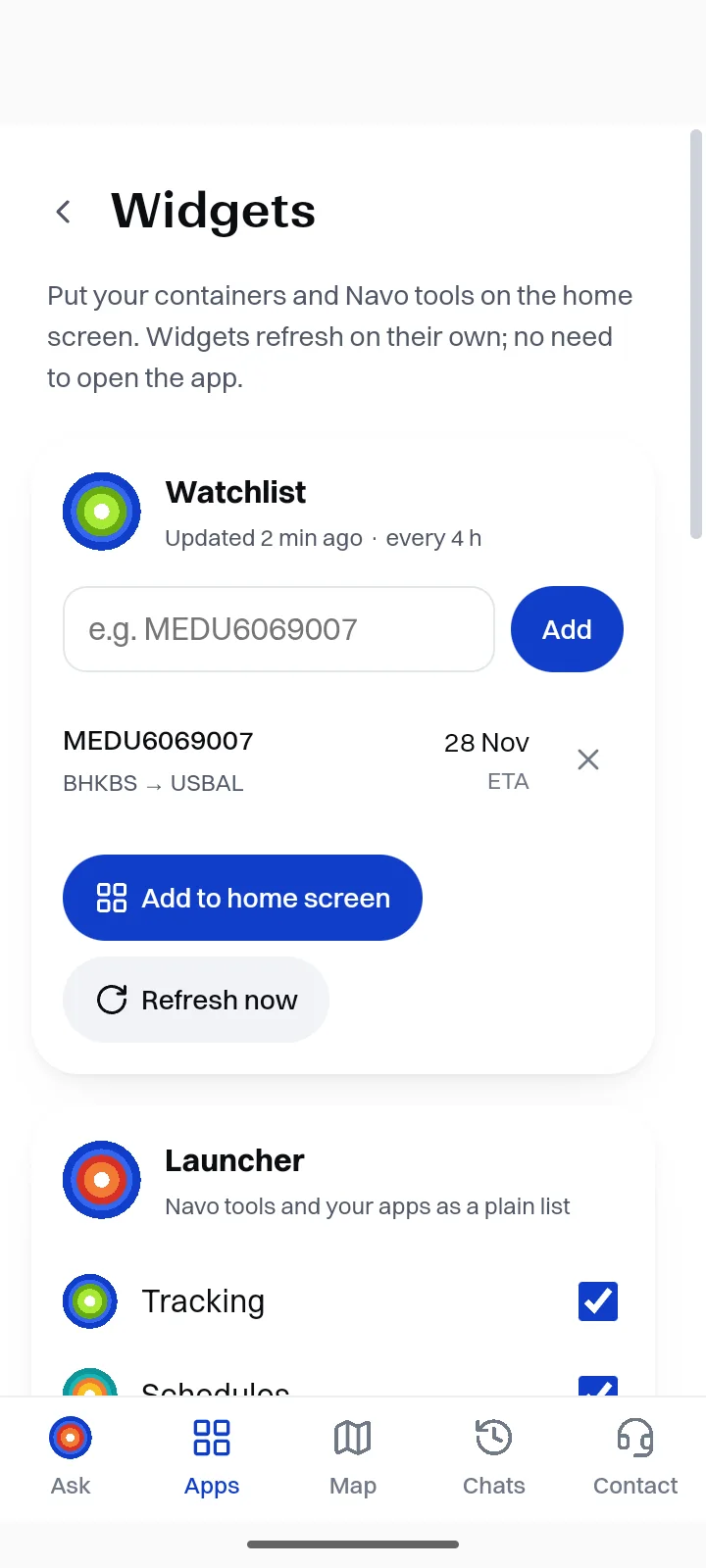
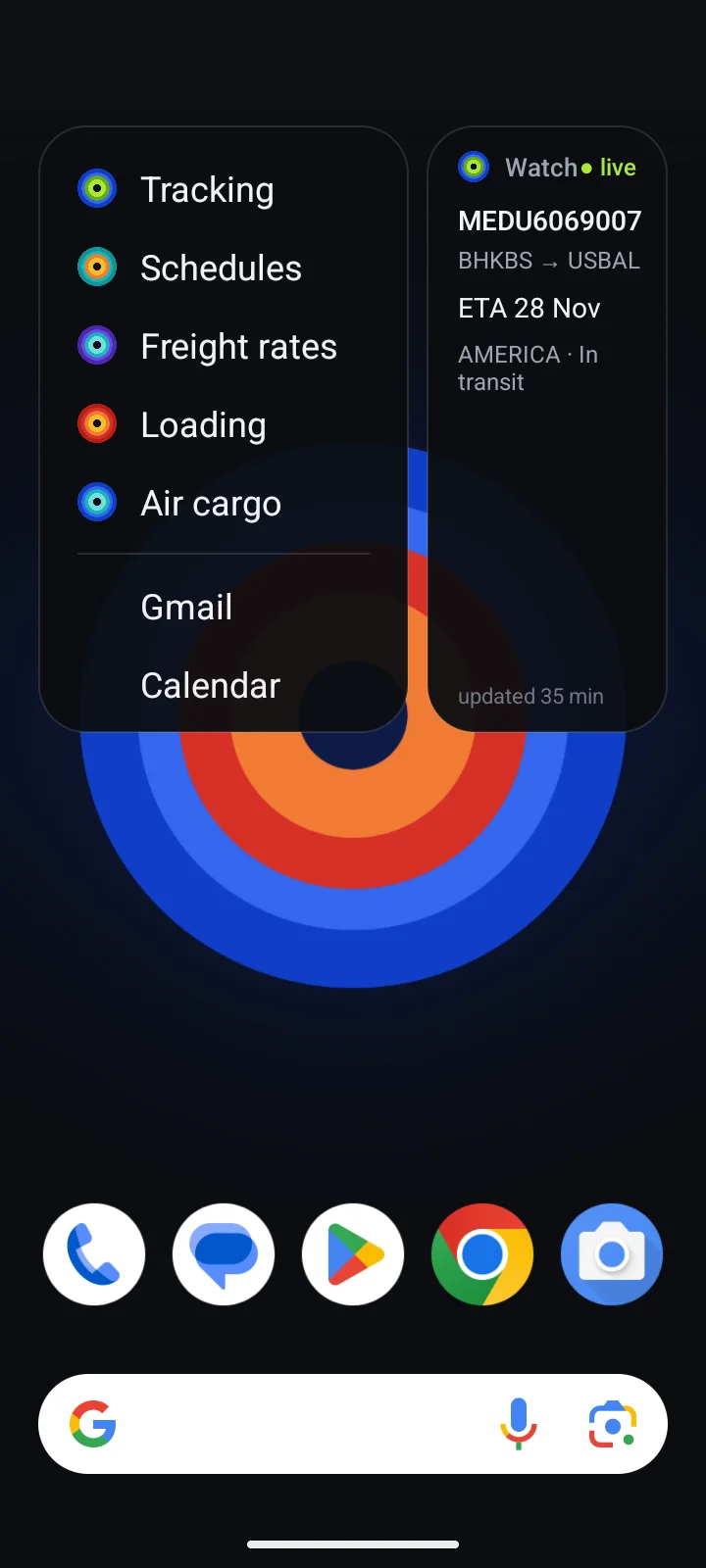
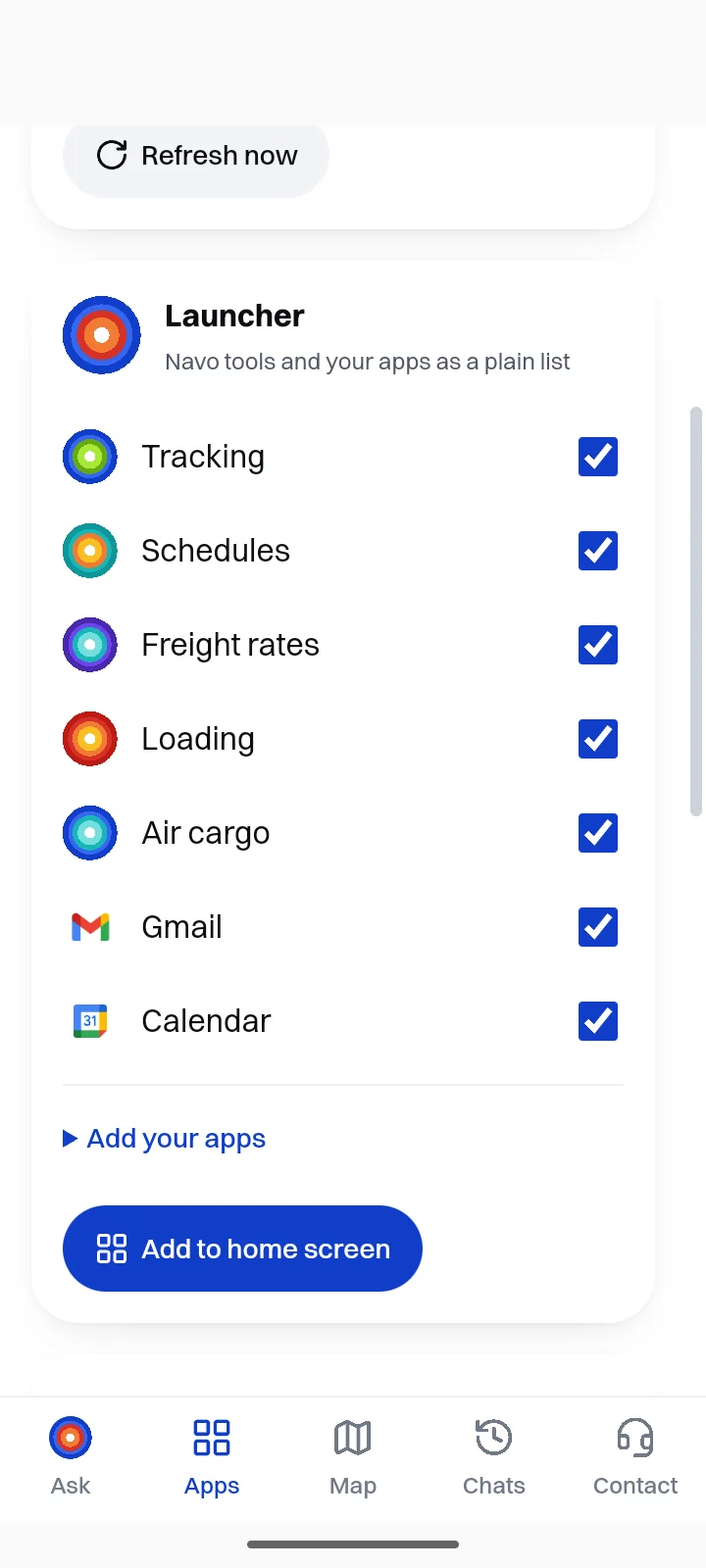
The watch widget shows your containers with ETA and status and turns orange on a delay. The launcher widget opens any Navo tool in one tap.
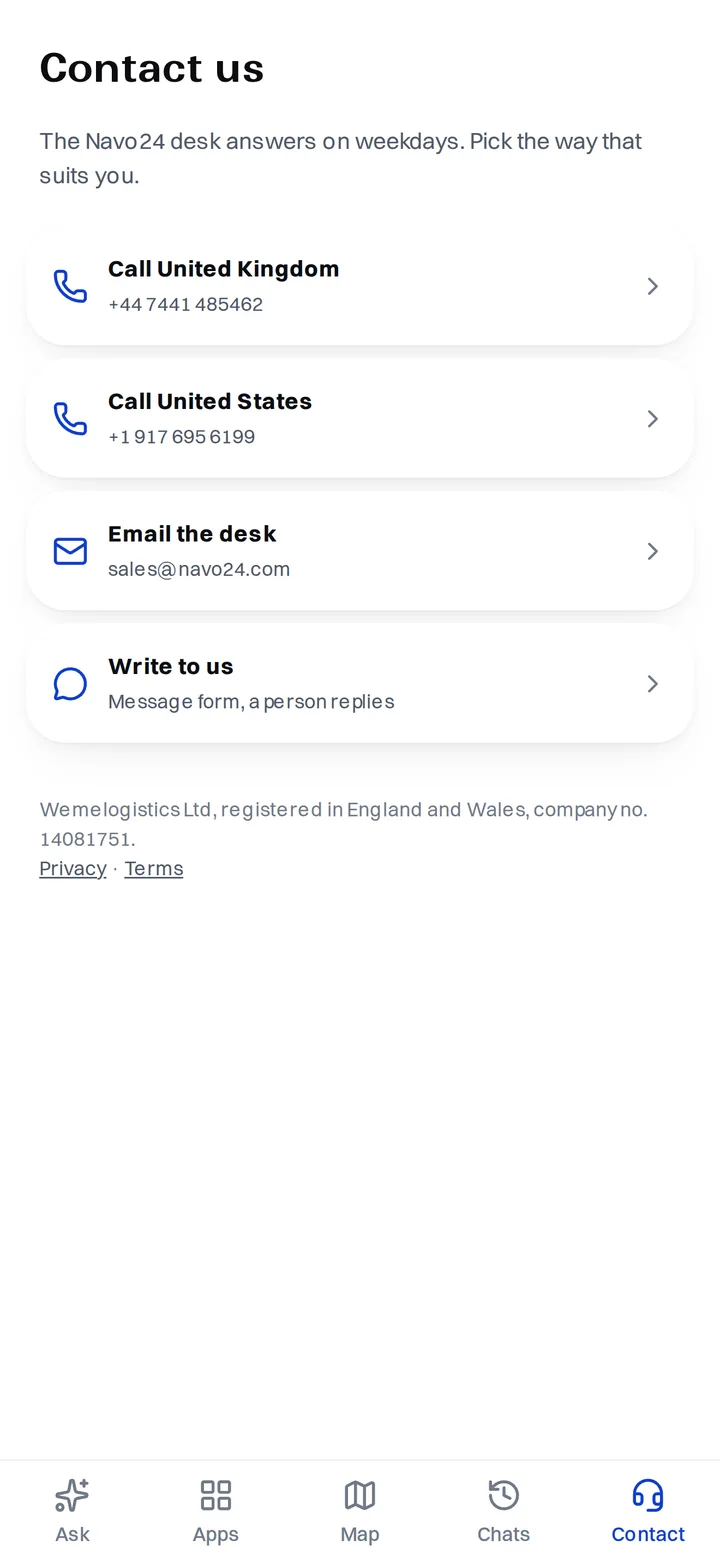
The Contact tab connects you with the Navo24 desk. One account for the app, the web and the Chrome extension.
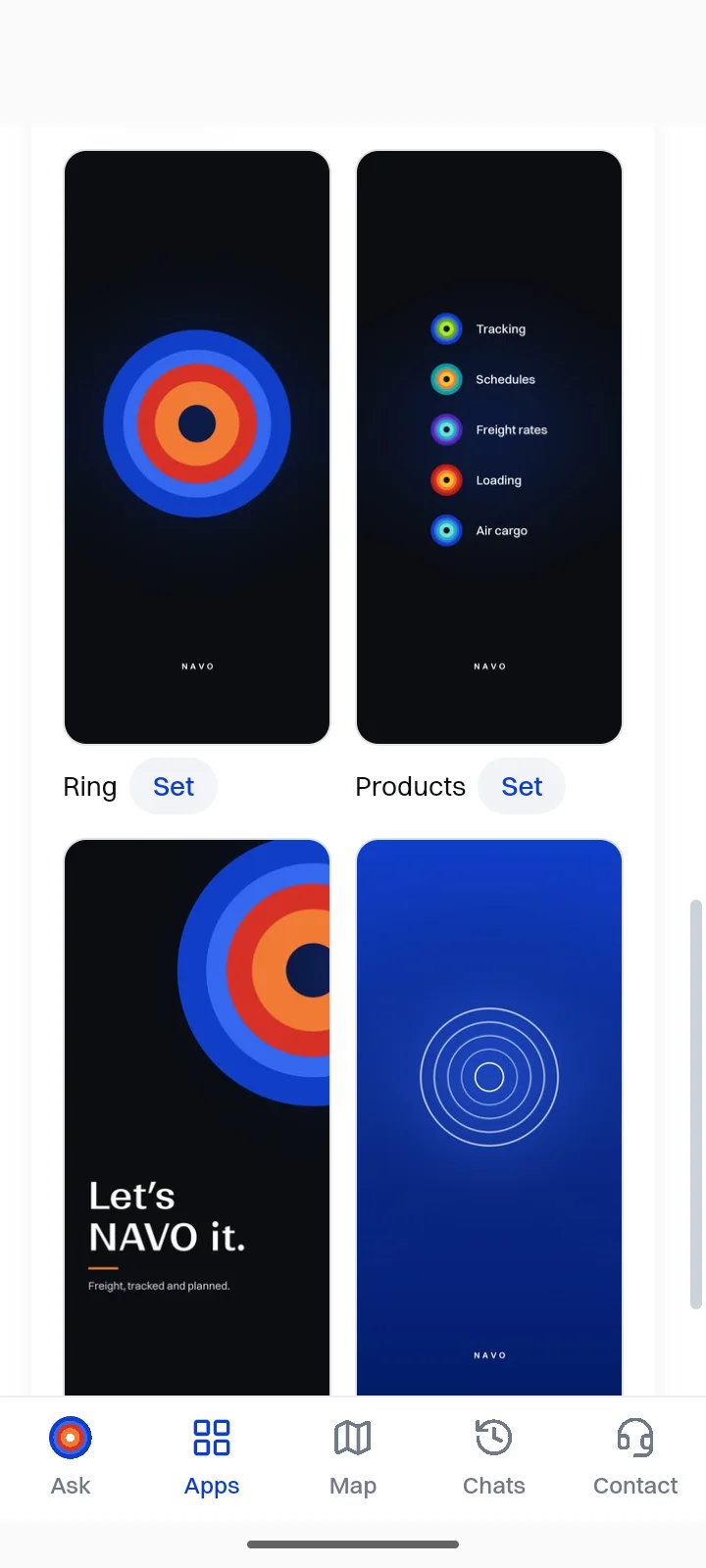
Real screenshots of the app. Tap a screen to open it full size.
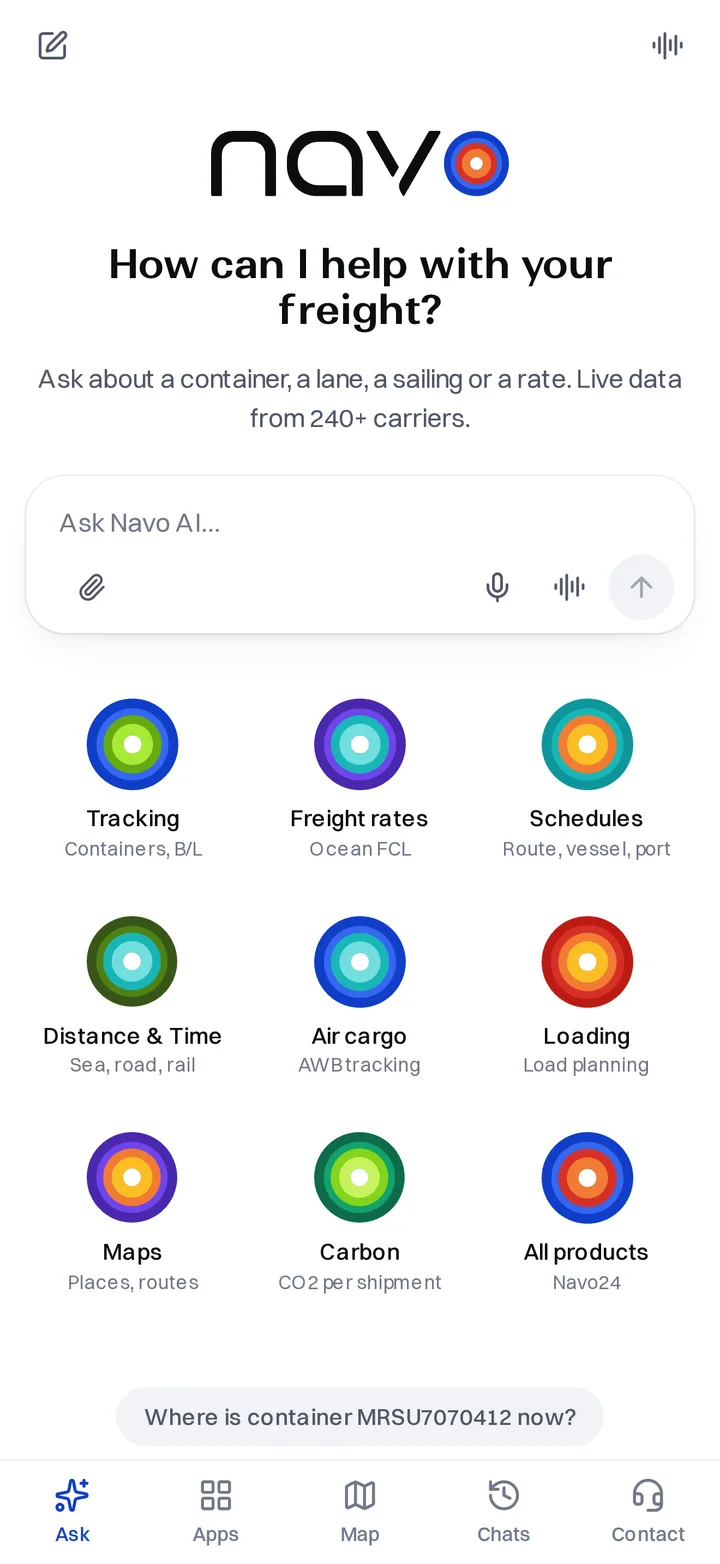
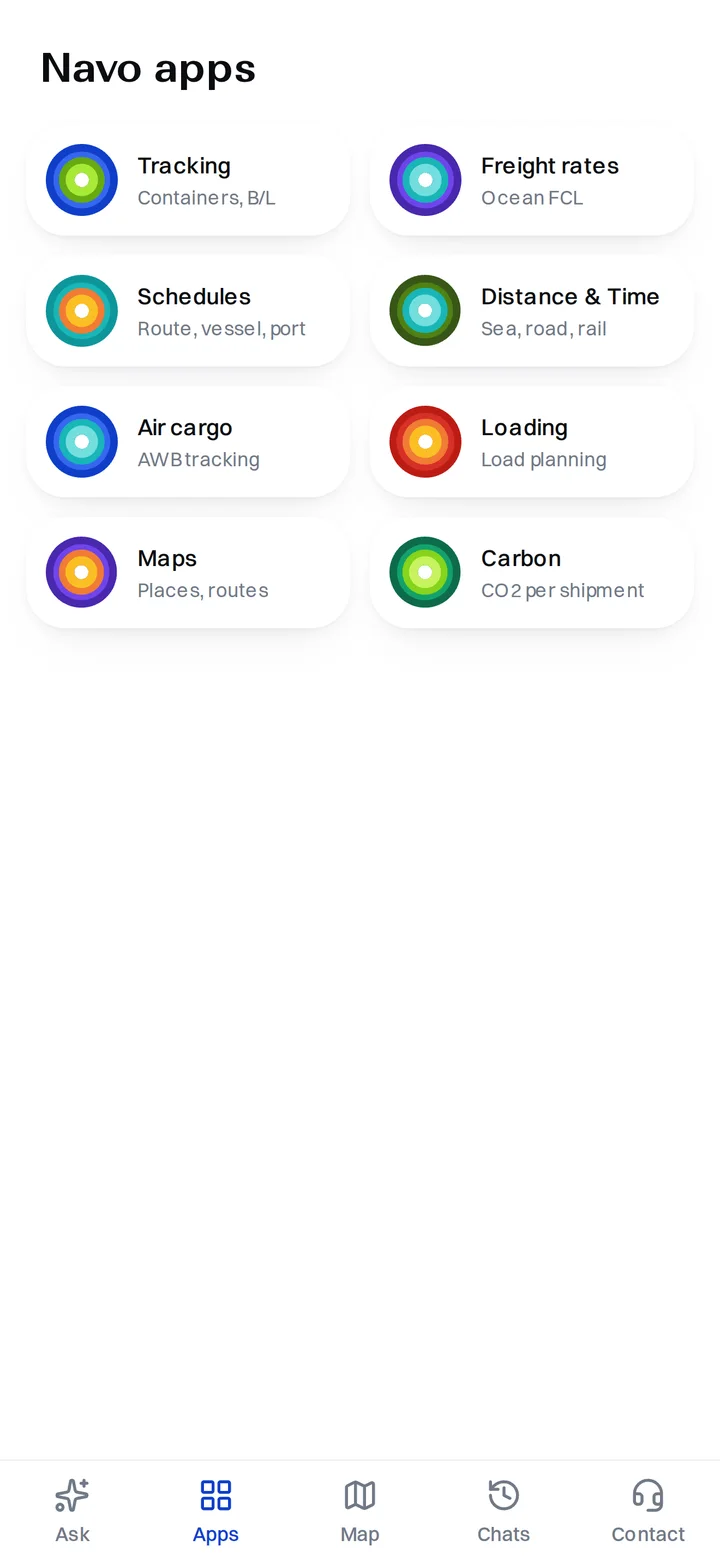
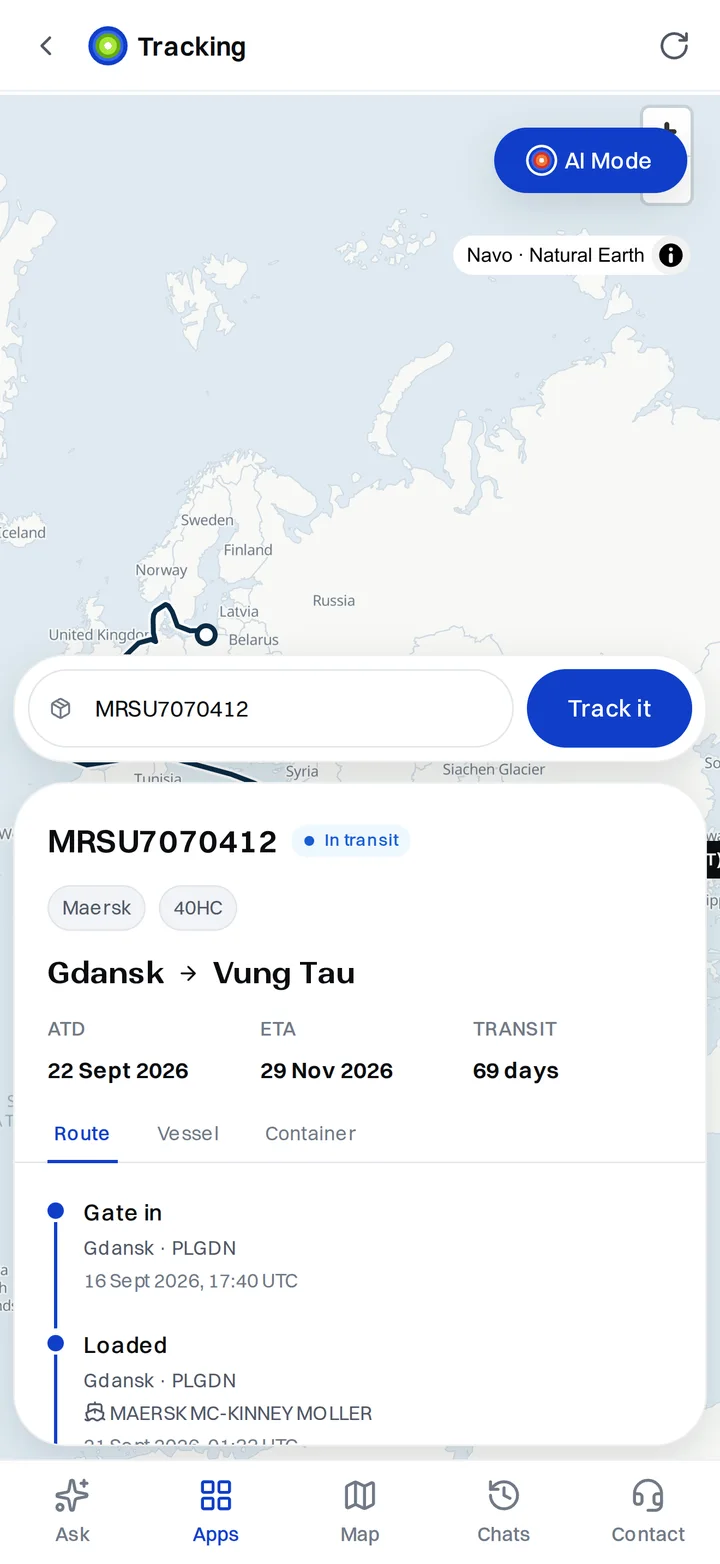
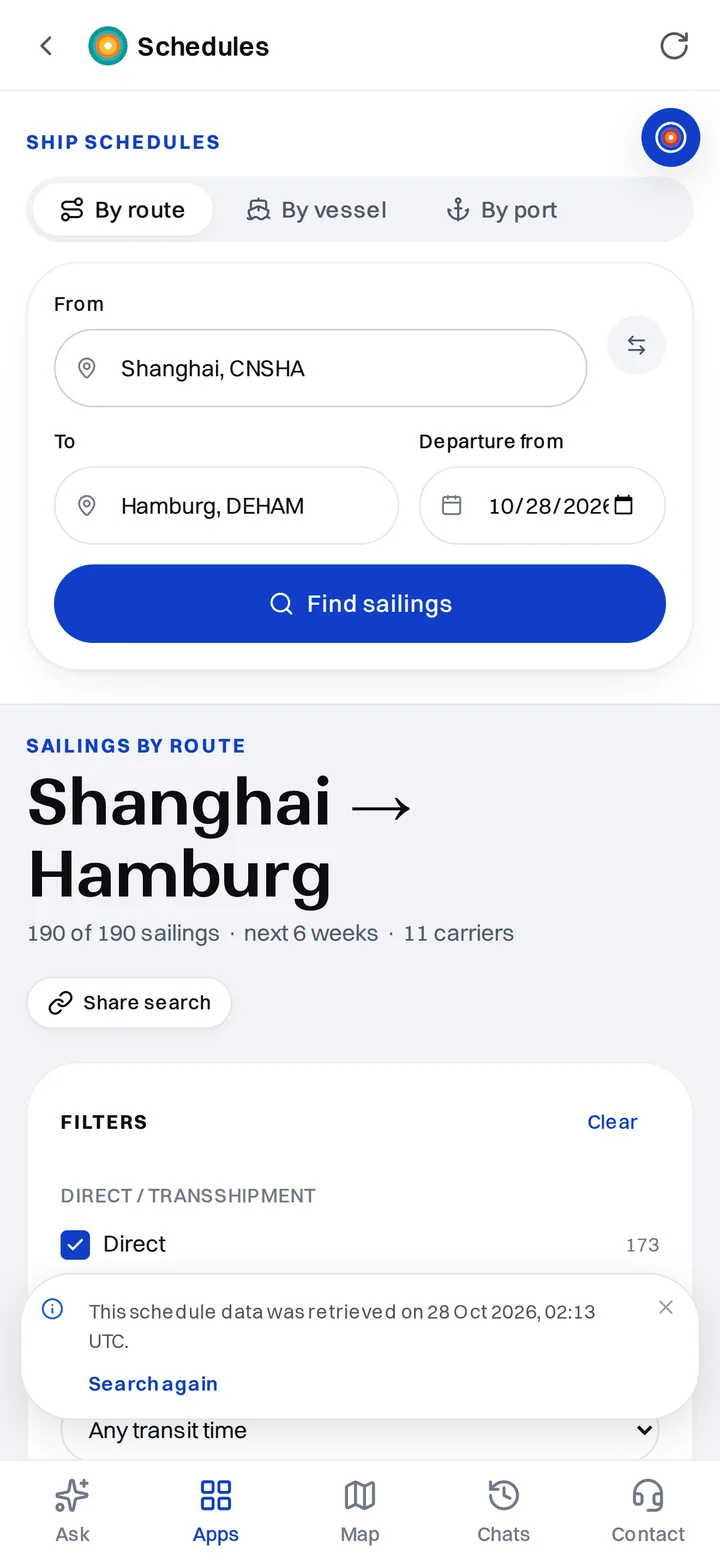
APK, version 1.1, 5.7 MB. Android 7.0 or newer. Includes the home-screen widgets and wallpapers.
Download APKThe iPhone version with home-screen widgets is on its way to the App Store. The App Store button at the top of this page goes live together with the listing.
Open Navo in SafariThe four Navo wallpapers from the app, 1080 × 2400 PNG.
Permissions: internet, microphone for voice mode (asked on first use) and setting the wallpaper when you tap Set. Privacy policy · Support.
Yes. You can install it and ask without paying. Paid plans add more requests and are the same plans as on navo24.com, with one shared balance.
Android 7.0 or newer and iPhone. The home-screen widgets and wallpapers are on Android now; the iPhone version with widgets is being prepared for the App Store.
Download the APK on the phone and open it. Android asks to allow installing apps from the browser once; allow it and tap Install. When the Google Play version is out, install it from Play to get updates automatically.
Open the app, go to Apps → Widgets and tap Add to home screen under the watchlist or the launcher. Or long-press an empty spot on the home screen, choose Widgets and find Navo.
No. Everything also works in the browser at ai.navo24.com and in the Navo24 extension for Chrome. The app adds widgets, voice and a home-screen icon.